Can You Turn Off Google Reviews for Your Business?
Share on:


No. There's no setting in your Google Business Profile to turn off or block reviews. What you can do is report reviews that break Google's rules, reply to every review, and ask happy customers to leave one. Here's how to handle each.
Can a business block or disable Google reviews?
Not on its own. Reviews are part of every Business Profile, and owners can't switch them off. There are a few cases where Google limits reviews itself (source: Sterling Sky):
Review attacks: Google may temporarily pause new reviews on a profile that's being flooded with fake ones.
Some categories: Google doesn't show reviews for some profiles, like schools for kids.
Policy penalties: businesses caught buying or faking reviews can lose the ability to get new ones for a while.
None of these are something you can turn on. For a home service business, reviews stay on.
How do you report a fake or rude Google review?
You can report reviews that break Google's rules, like spam, fake reviews, hate speech or off-topic rants. Here's how on a computer (source: Google Business Profile Help):
Go to your Business Profile at business.google.com.
Select Read reviews.
Next to the review, select the Report icon.
Pick the reason, like Spam or Profanity.
Select Send report.
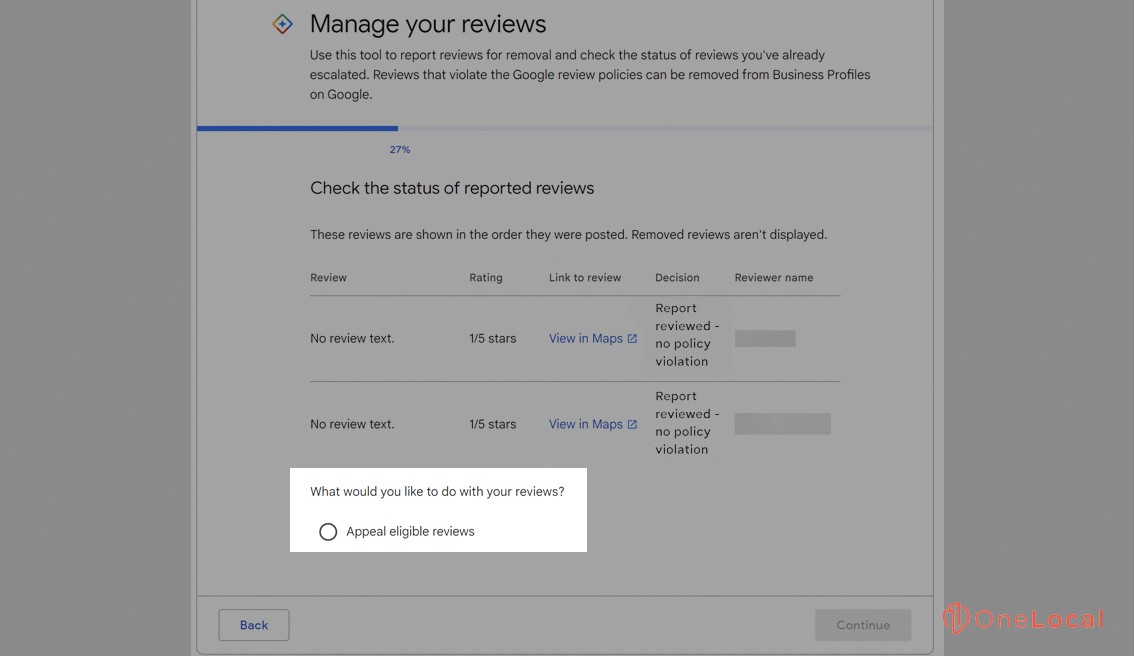
You can also report reviews and check their status in Google's Reviews Management Tool. Google says evaluation typically takes several days. If Google decides there's no violation, you can appeal once.
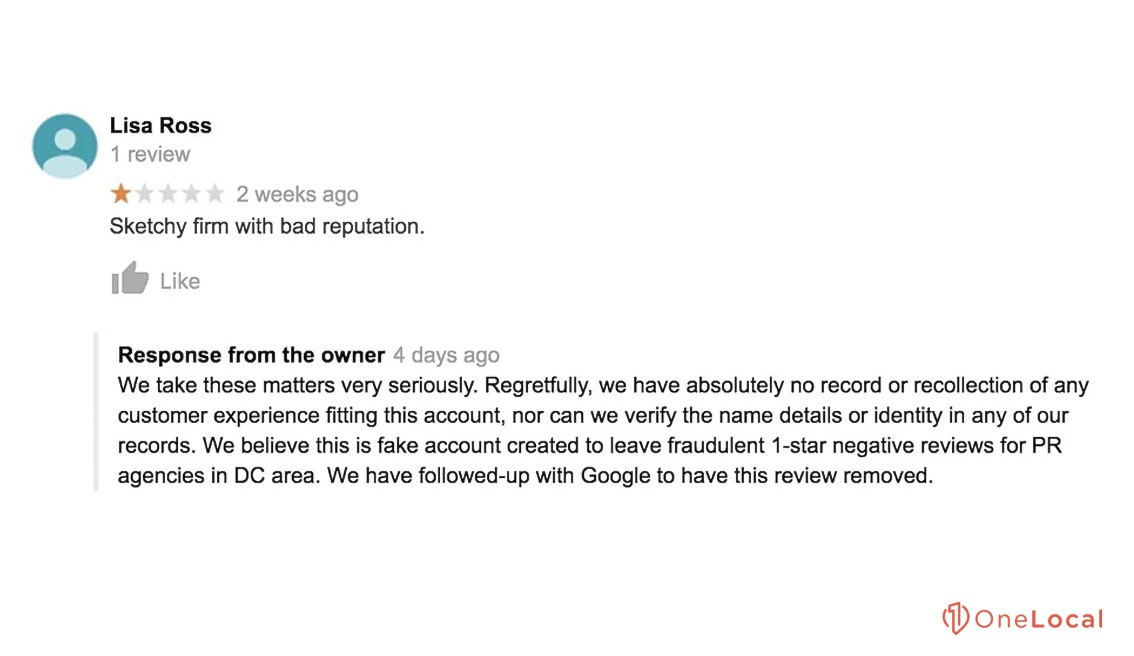
Example: a plumber gets a 1-star review from someone who was never a customer, mentioning a job in a city they don't serve. That's worth reporting as a fake review. A real customer who was unhappy with the price is not. That one needs a good reply instead.
What should you do about bad reviews you can't remove?
Most negative reviews don't break any rules, so they'll stay. The goal is to make them a small part of the picture.
Reply to every review. Thank people for good ones and mention a detail from the job. For bad ones, stay calm, don't argue, and offer to sort it out by phone.
Ask happy customers. The best time is right after a job goes well. A quick text with your review link works.
Fix what keeps coming up. If several reviews mention late arrivals, that's useful feedback.
Would closing or changing my profile get rid of reviews?
No. Marking your business as permanently closed doesn't erase your reviews, and it tells customers you're out of business. Changing your business category doesn't affect reviews either, since reviews are tied to your profile, not your category.
Why keeping reviews on is good for you
Reviews are often the first thing people check. Even customers with a referral look you up before they call, and a profile with recent, honest reviews and thoughtful replies helps them pick you. A profile with no reviews, or bad ones left unanswered, sends them to the next business.
Google reviews FAQ
Can I delete a Google review myself?
No. Only the person who wrote it, or Google after a report, can remove it.
How long does Google take to review a report?
Google says it typically takes several days. You can check the status in the Reviews Management Tool.
Can I pay for reviews or offer a discount for one?
No. Google's rules ban paying or rewarding people for reviews, and it can lead to penalties on your profile.
See how your reviews look to new customers
You can't turn reviews off, but you can make them work for you. Get a free audit to see how your reviews and Google profile look to someone finding you for the first time.

Related Article
Related Article